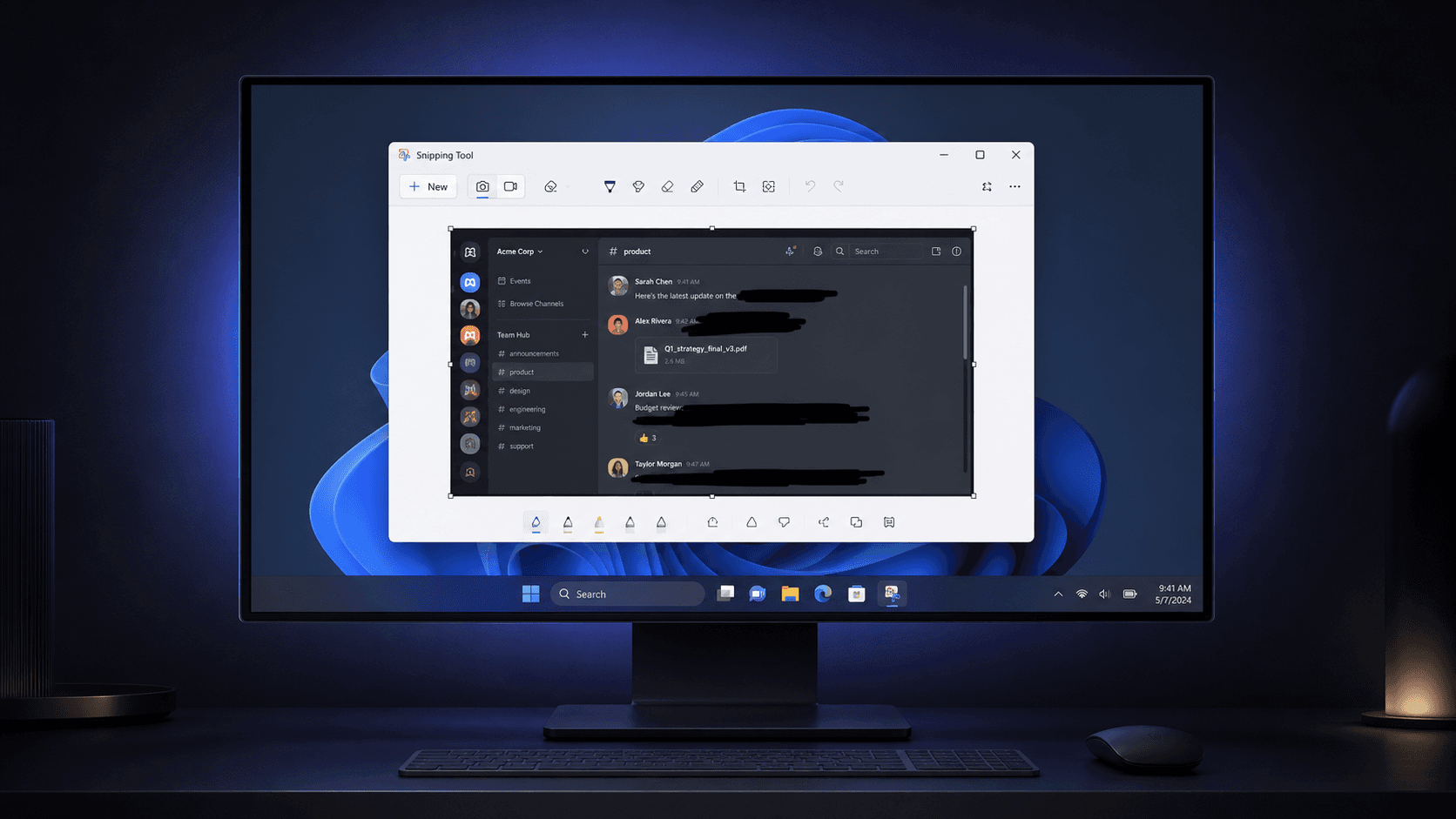
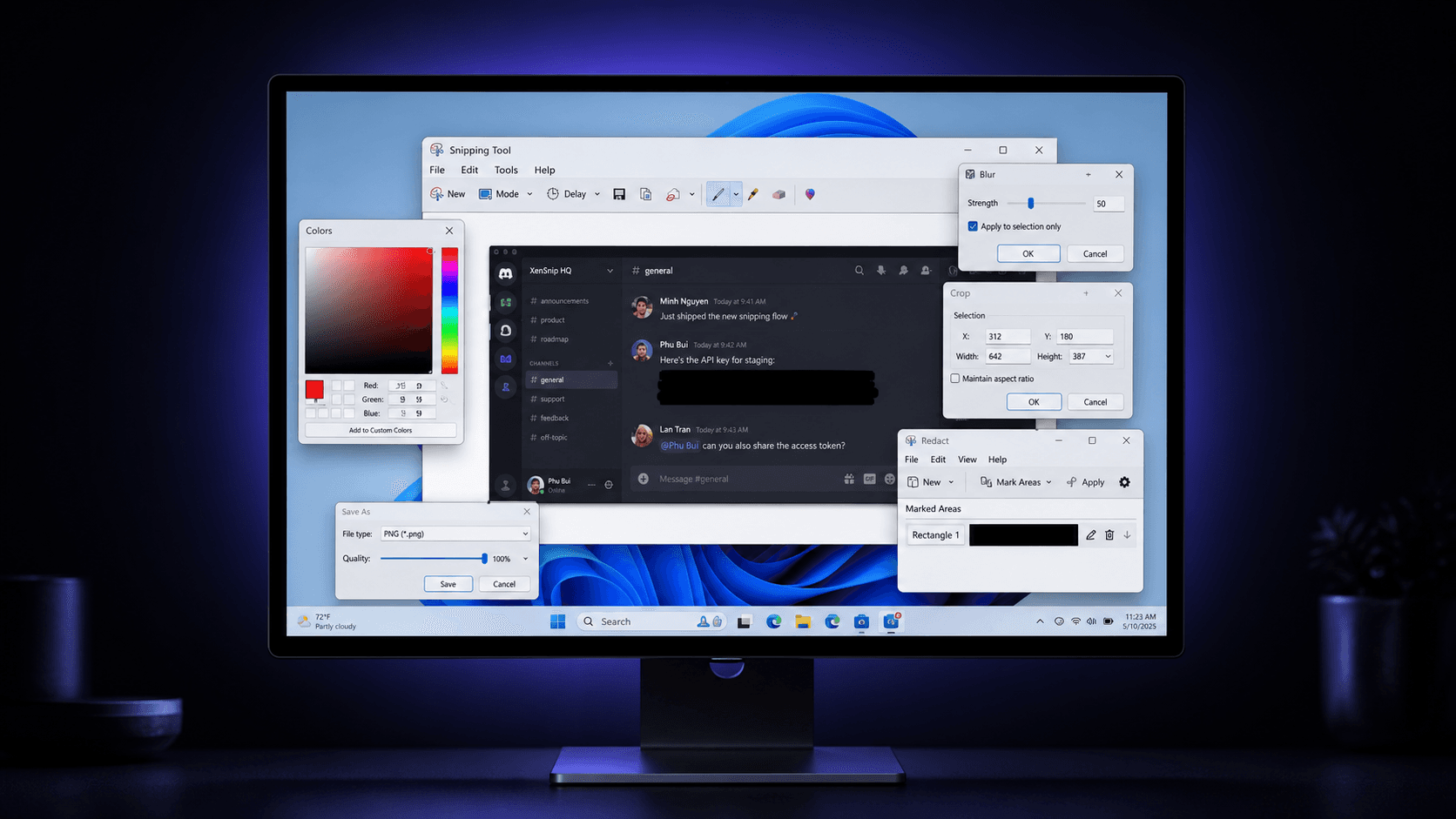
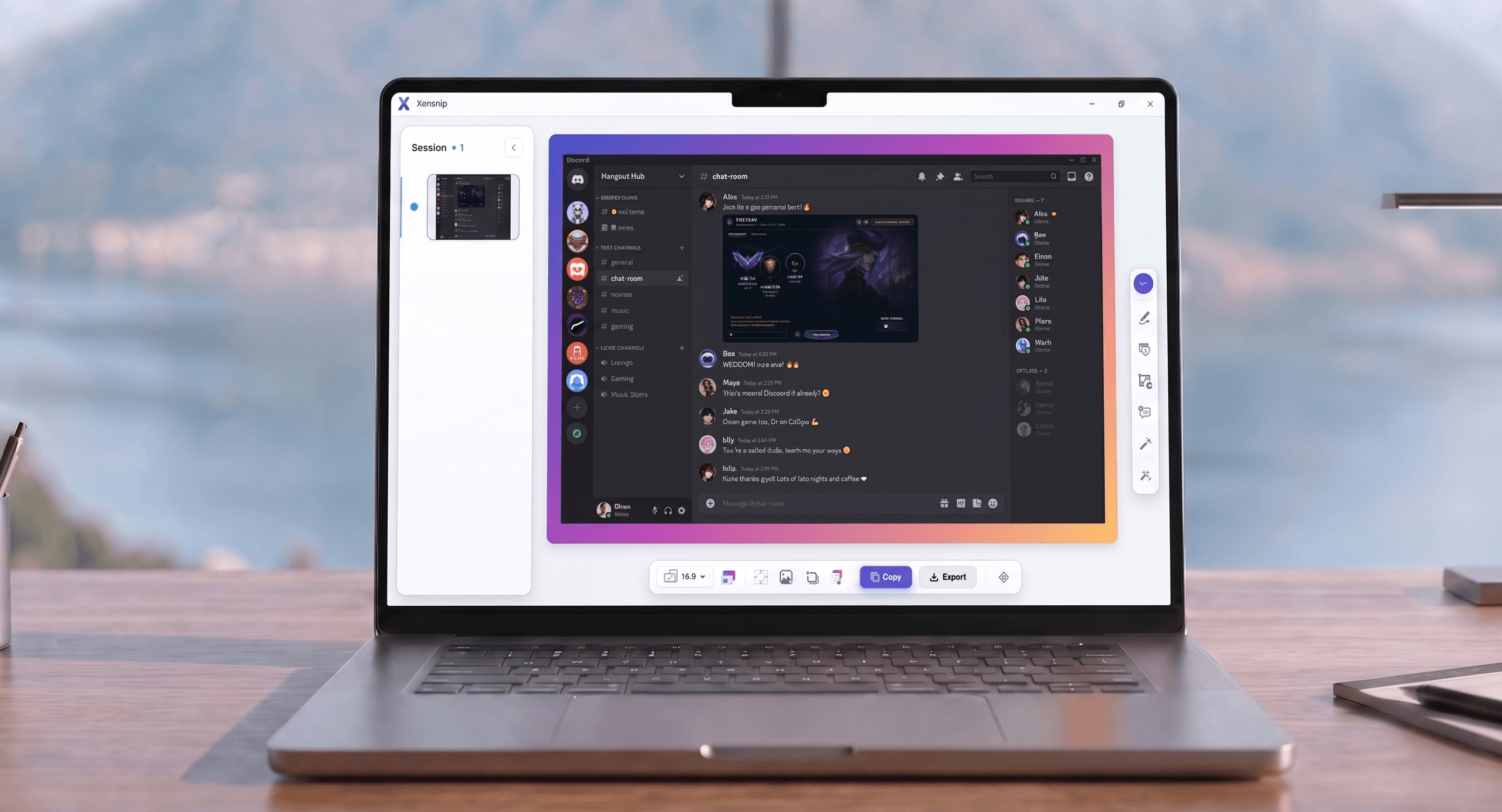
Welcome to XenSnip.

|

The Extremes

Windows users shouldn't have to choose between beauty and friction.

  • Beautiful screenshot apps are often locked behind freemium pricing.
  • Free power-user tools are visually dated with a steep learning curve.
  • Basic tools are easy to use, but lack the polish for professional communication.
The Extremes
The Gap

You want polished screenshots, not a 30-minute tutorial.

  • New users are pushed away by tools that expose too many options too early.
  • Exporting a clean, redacted image shouldn't require a patchwork of apps.
  • Your screenshots should look intentional and ready to share, instantly.
The Gap
The Sweet Spot

XenSnip brings premium visual quality to Windows, for free.

  • A beautiful, modern interface that is instantly familiar to new users.
  • No paywalls, no watermarks. 100% free and local-first.
  • The perfect balance between editing power and approachability.
The Sweet Spot
One Workflow

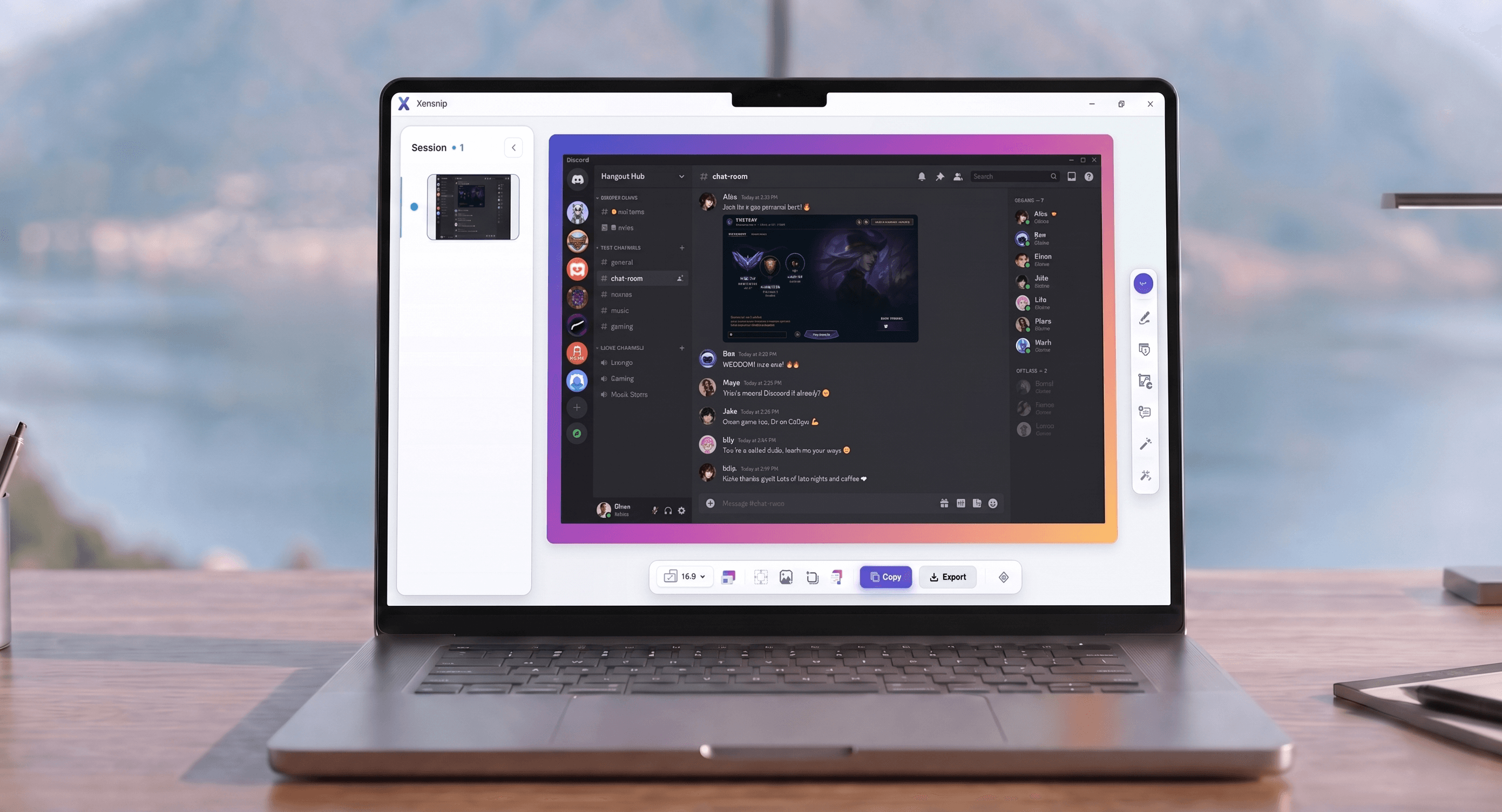
Capture, annotate, beautify, and export without leaving the app.

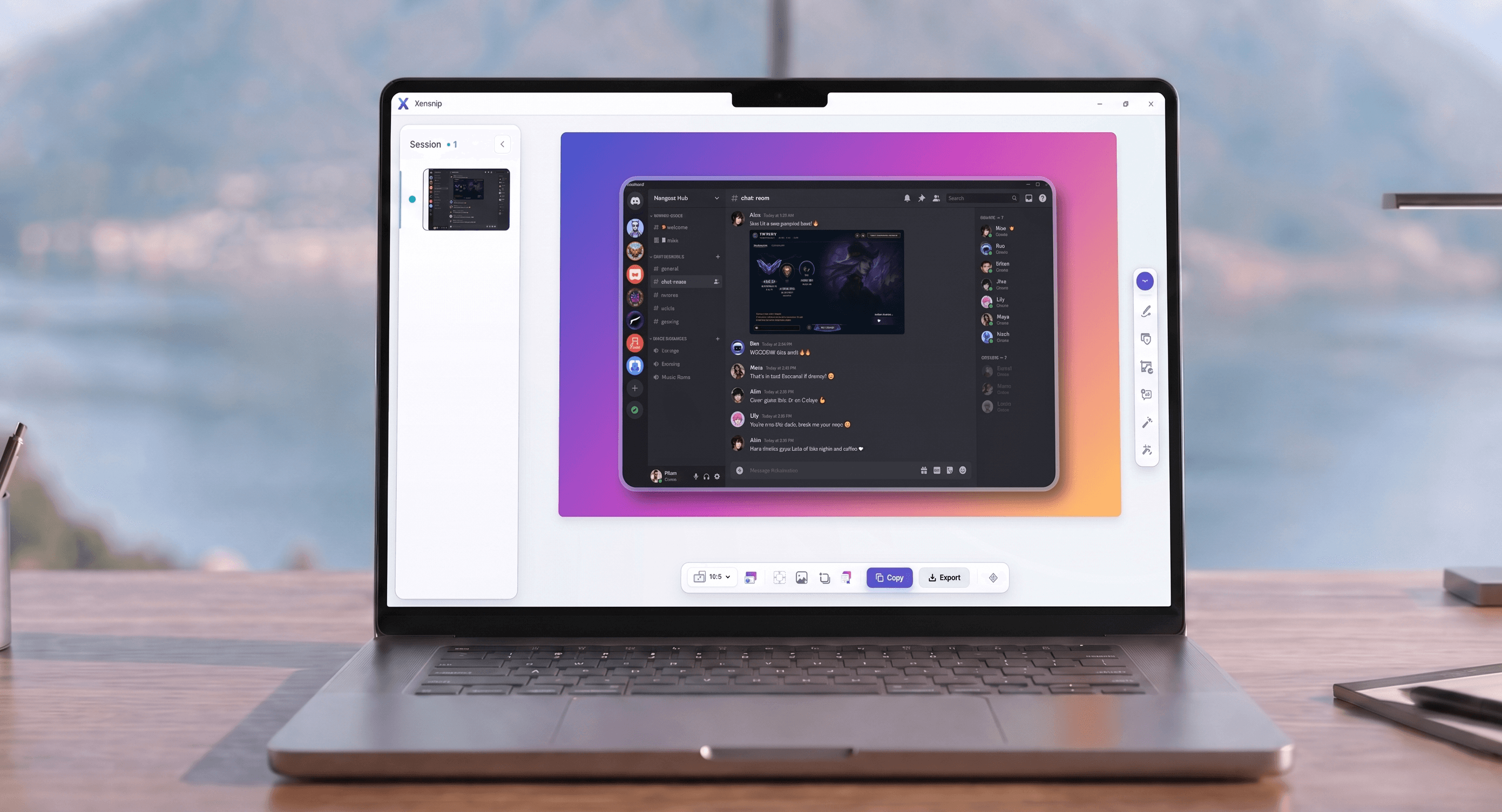
  • Add padding, styling, and beautiful backgrounds in one click.
  • Blur, pixelate, and redact sensitive information seamlessly.
  • Extract text with local OCR and copy directly to your clipboard.
One Workflow
The Result

Your screenshots, finally looking as professional as your work.

  • Stop fighting with complicated, cluttered interfaces.
  • Stop paying subscriptions for basic screenshot beautification.
  • Just capture, polish, and share.
The Result
Scroll

Powerful features, quietly hidden.

Everything you need for professional screenshots, wrapped in a distraction-free interface.

Pixel-Perfect Capture

Grab exactly what you need with precision crosshairs and smart window detection.

ArrowTextShapeHighlightBlur
Pixel-Perfect Capture
XenSnip
Precision Surface

Professional Annotation

Add beautiful, semantic arrows, text, and shapes without cluttered toolbars.

Quick annotate10x
0px offset
Workflow Calm
Quiet UI
Clean Export
Fast Review

Clarity at the center. Tools that stay out of your way.

Smart Boundaries

Detect window edges, preserve clean proportions, and snap to the area you actually meant to capture.

Auto-Detect

Secure Redaction

Safely blur or pixelate sensitive information with a single click.

BlurPixelate
Before redaction
API Key
sk-live-51NxA...8f92a1
Email
ops@xensnip.app
After redaction
API Key
sk-live-51NxA...8f92a1
Email
ops@xensnip.app
Smart Blur

A more thoughtful approach.

We built XenSnip to solve the friction found in traditional screenshot tools.

Feature
Generic Tools
XenSnip
Pricing Model
Subscriptions or Paywalls
100% Free Forever
User Interface
Cluttered & Dated
Quiet Luxury Minimalist
Annotation
Complex Toolbars
Context-Aware & Fluid
Data Privacy
Cloud-First / Tracked
Local-First / Private
Export Polish
Requires Extra Apps
One-Click Professionalism

* Comparison based on standard features found in popular Windows screenshot utilities.

Built with modern technology.

Tauri 2.0 & Rust

Native Windows performance with Rust-powered image processing.

React 19

A highly responsive and modern web-based interface.

Konva.js

High-performance 2D canvas for fluid annotations.

Local OCR

On-device text extraction with zero cloud dependencies.

System Requirements
~15 MBStorage
~80 MBRAM Usage
<1sStartup Time
NativeWindows Only

Common Questions

Everything you need to know about XenSnip.

Ready to take better screenshots?

Download XenSnip today and start communicating with polished, professional visuals.

Free · Local-first · Professional Output